Content Samurai shut down in 2021 — here are the 7 best replacements I’ve tested in 2026. Content Samurai (later rebranded to Vidnami) was shut down in 2021 after GoDaddy acquired it. The best replacement in 2026 is Pictory AI — it replicates Vidnami’s script-to-video workflow with modern AI features, a massive stock library, and auto-captions. Use code SAVE50 to get 50% off annual plans.
I’ve personally tested dozens of AI video editors since Vidnami disappeared, and finding the right Content Samurai replacement isn’t straightforward. Most tools either over-promise on automation or lack the specific text-to-video pipeline that made Content Samurai so beloved. In this guide, I’ll walk you through the 7 best Content Samurai alternatives I’ve found, explain exactly what happened to the original tool, and show you how to migrate your workflow.
What Happened to Content Samurai?
Content Samurai was launched in 2015 by Noble Samurai — the same company behind Long Tail Pro and Market Samurai. It was a revolutionary text-to-video tool that let creators paste a script, automatically split it into scenes, match each scene with relevant stock footage, add background music tracks, and generate a complete video — all from a browser-based drag-and-drop interface.
Here’s the timeline of what happened:
- 2015: Content Samurai launches as a script-to-video automation tool by Noble Samurai
- 2020: Rebranded to Vidnami with upgraded AI features, better stock images, and improved text-to-speech voiceover
- Early 2021: GoDaddy acquires Vidnami’s technology and team
- August 2021: Vidnami permanently shuts down, leaving thousands of users without their go-to video creation tool
What made Content Samurai special was its simplicity. You didn’t need to be a video editor. You’d paste your blog post or script, the AI would break it into scenes, auto-match stock footage and stock images, layer in auto-captions, and add a text-to-speech voiceover. In 10-15 minutes, you had a YouTube-ready faceless video.
GoDaddy absorbed some of Vidnami’s features into GoDaddy Studio, but let’s be honest — GoDaddy Studio is a basic design tool aimed at small business owners making social graphics. It’s not a Content Samurai replacement by any stretch. If you’re looking for that same script-to-video, AI-powered video creation workflow, you need a proper alternative.
7 Best Content Samurai Alternatives in 2026
After testing these tools extensively — creating faceless YouTube videos, social media videos, course content, and ad creatives — here are the best Vidnami alternatives ranked by how closely they replicate the Content Samurai experience.
#1 Pictory AI — Best Overall Content Samurai Replacement
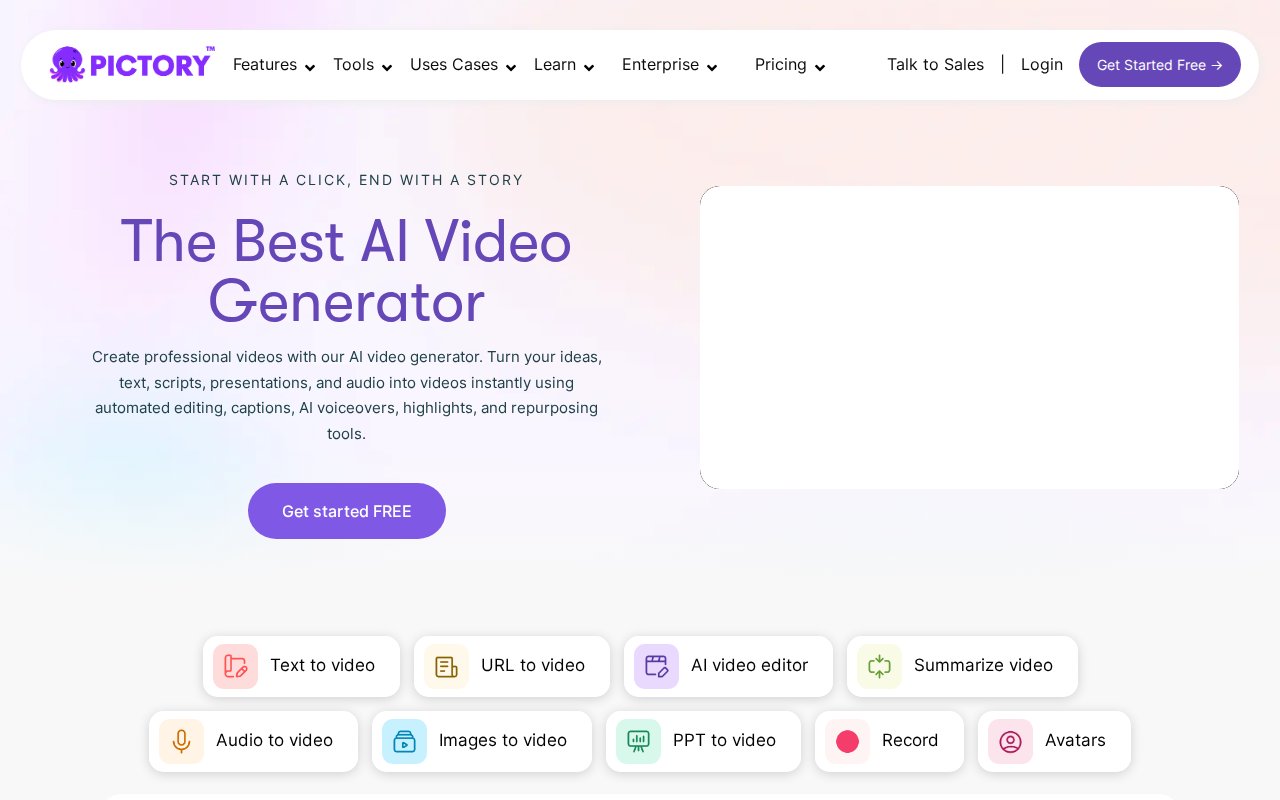
If you’re a former Content Samurai or Vidnami user, Pictory AI is the closest thing you’ll find to your old workflow — and in many ways, it’s significantly better. This is the tool I personally switched to after Vidnami shut down, and I haven’t looked back.
Why Pictory is the best Content Samurai alternative:
Pictory’s core workflow mirrors exactly what made Content Samurai great. You paste in a script, blog post URL, or even a PowerPoint presentation, and Pictory’s AI automatically breaks it into scenes, matches each scene with relevant stock footage from a library of millions of clips, and generates a polished video. The AI-powered video creation pipeline feels like a modernized version of what Vidnami offered.
But Pictory goes further. The auto-captions feature is excellent — it generates accurate subtitles that you can style and customize, which is critical for social media videos where most viewers watch on mute. The AI voiceover engine supports multiple languages with realistic text-to-speech voices that sound genuinely human, not robotic like Content Samurai’s older TTS options.
What I particularly appreciate is Pictory’s blog-to-video feature. You literally paste a URL, and Pictory converts the entire article into a video with scenes, visuals, and narration. For content creators who were using Content Samurai to repurpose blog content into faceless YouTube videos, this is a game-changer.
Key features:
- Script-to-video, blog-to-video, URL-to-video, PPT-to-video conversion
- Millions of stock footage clips and stock images
- AI-generated auto-captions with custom styling
- Realistic AI voiceover in 20+ languages
- Brand kit for consistent colors, logos, and fonts
- Video summarization — turn long videos into short clips
- Web-based online video editor — no downloads needed
- Templates optimized for YouTube, Instagram, TikTok, and LinkedIn
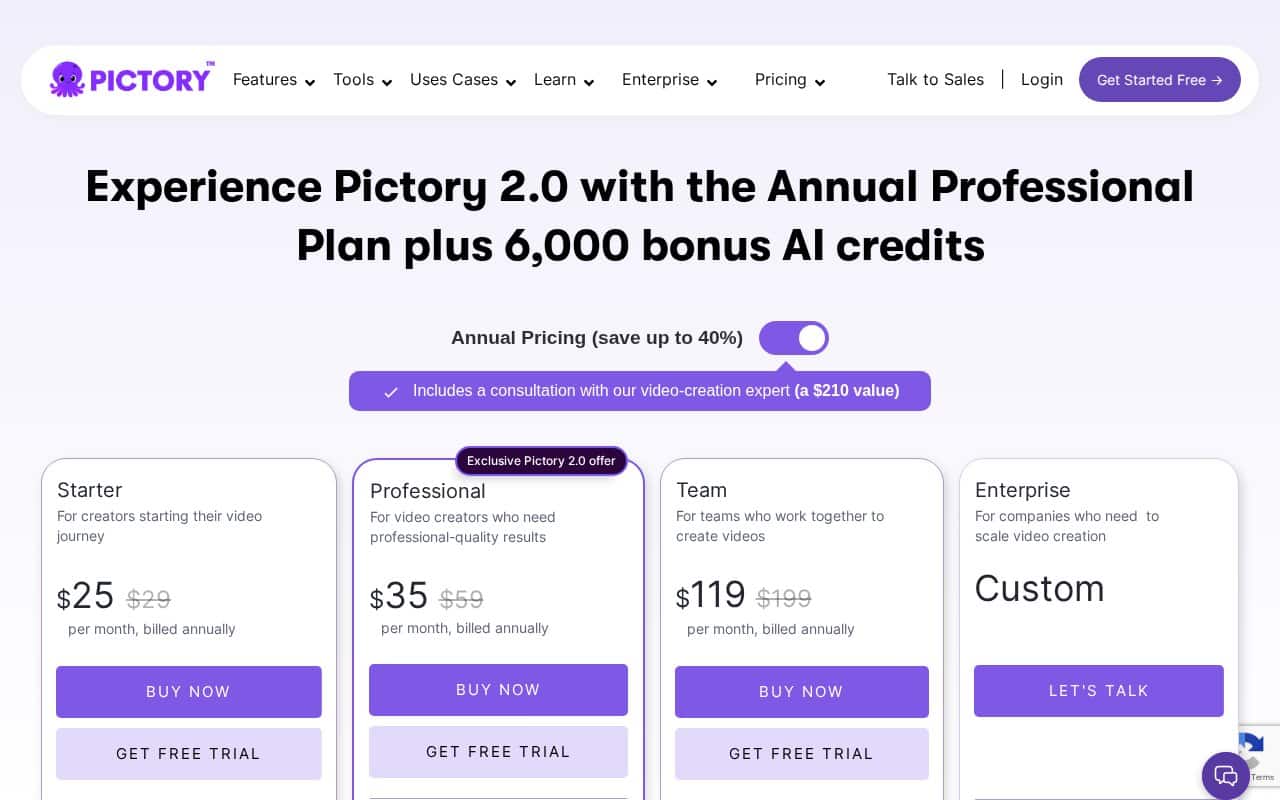
Pictory Pricing: Starter plan at $25/mo (annual), Professional at $35/mo (annual), and Teams at $119/mo (annual). But with coupon code SAVE50, you get 50% off any annual plan — bringing the Starter down to just ~$12.50/mo. That’s actually cheaper than what Content Samurai used to cost.
Pros:
- Closest workflow match to the original Content Samurai
- Superior AI voiceovers compared to older tools
- Affordable pricing — even cheaper than Vidnami was with 50% discount
- Excellent auto-captioning and brand kit features
- Blog-to-video URL conversion (Vidnami never had this)
Cons:
- Less granular timeline control compared to full NLE editors like Premiere Pro
- AI visual matching occasionally picks clips that need manual swapping
🎬 Get Pictory AI — 50% OFF Annual Plans
The #1 Content Samurai replacement. Create stunning videos from text in minutes. Use code SAVE50 at checkout.
Try Pictory Free →#2 InVideo AI — Best for Maximum Automation
InVideo AI takes automation further than Content Samurai ever did. Instead of pasting a script and manually tweaking, you can literally type a prompt like “Create a 5-minute YouTube video about productivity tips” and InVideo AI will write the script, select stock footage, generate voiceover, and add music tracks — all automatically.
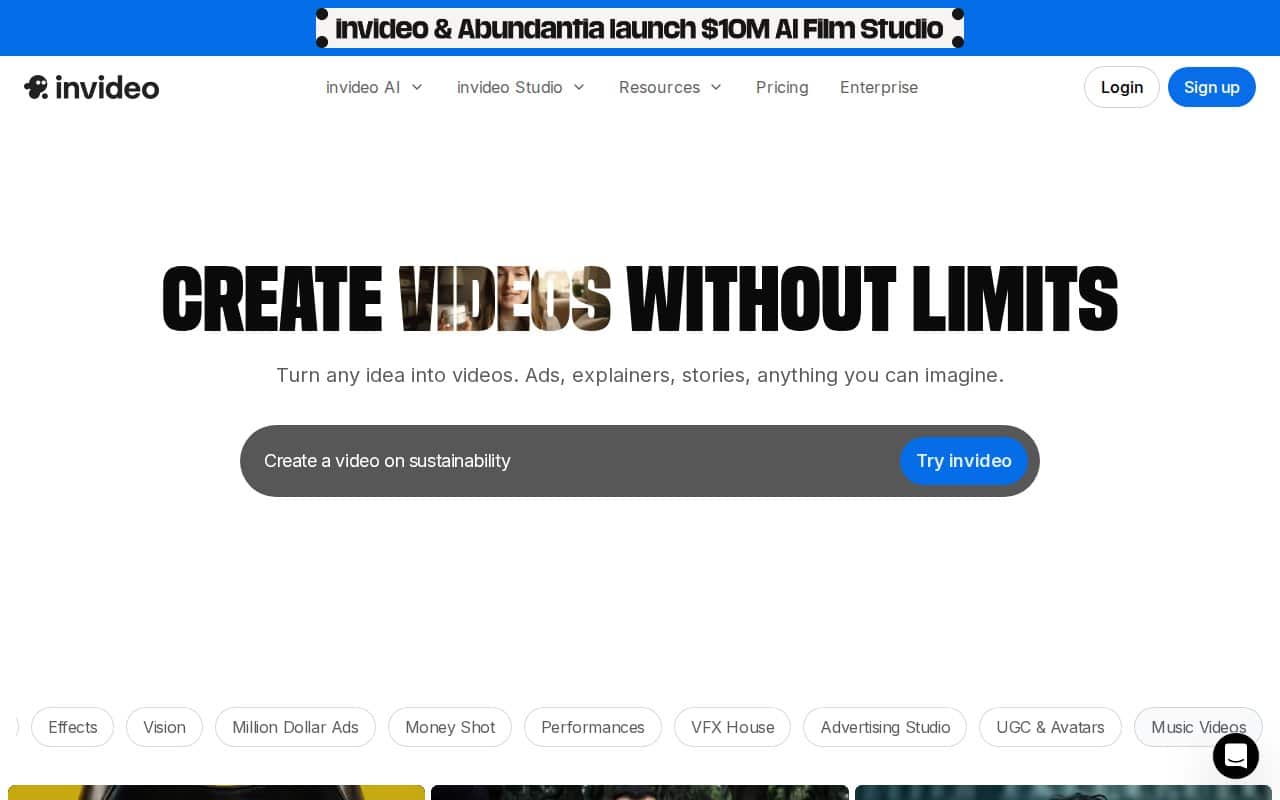
It’s particularly strong for ad creatives, YouTube Shorts, and TikTok-style content. The AI-powered video creation engine is impressive when it works well, though I’ve noticed accuracy issues — subtitles sometimes mis-sync, and the AI occasionally picks oddly-matched stock clips that require manual fixes.
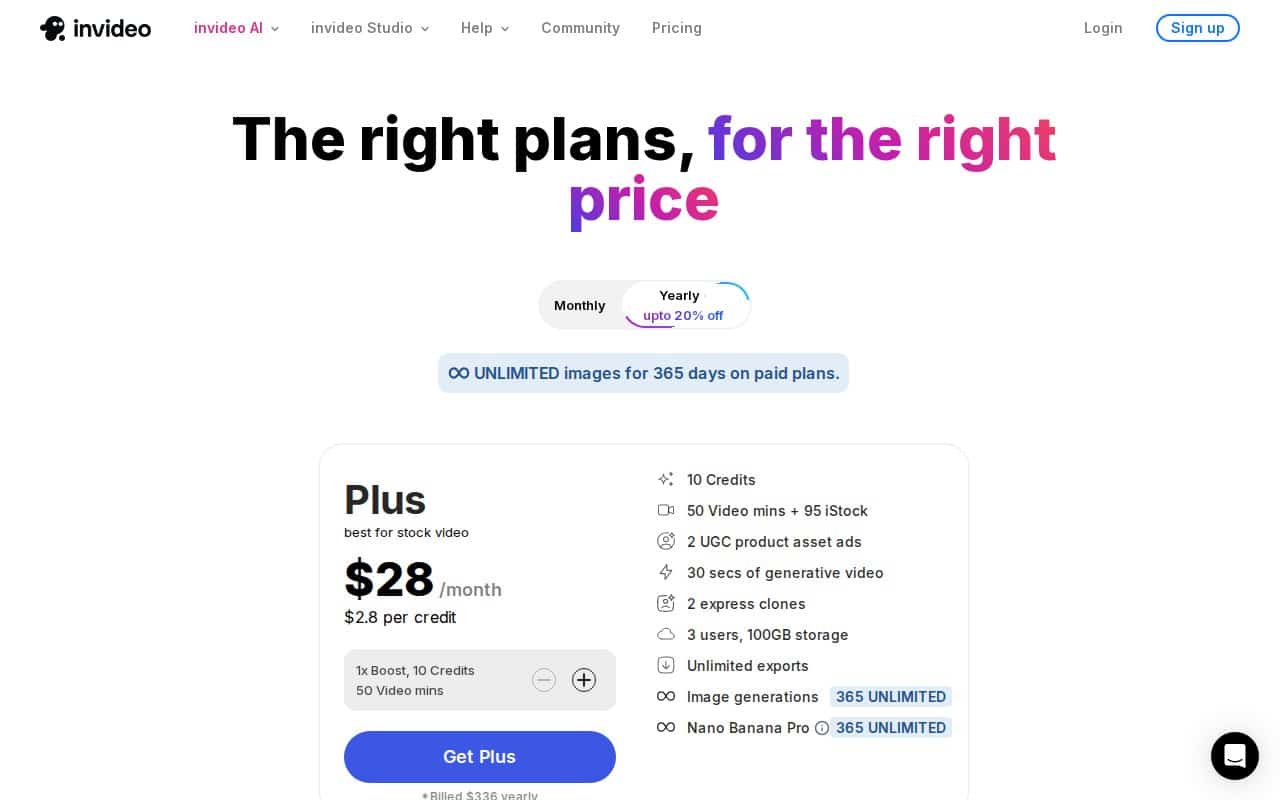
Pricing: Free tier with 2 AI minutes + 1 credit/week. Paid plans from $20-25/mo.
Pros:
- Maximum automation — text prompt to finished video
- Massive stock footage library
- Great for short-form content (Shorts, TikTok, Reels)
- Free tier available to test the platform
Cons:
- Accuracy issues on longer videos (subtitle sync, clip matching)
- Higher tiers get expensive quickly
- Less manual control than Content Samurai offered
👉 Want to try InVideo AI? Start with their free plan and see if it fits your workflow.
Try InVideo AI Free →#3 Lumen5 — Best for Blog-to-Video
Lumen5 was actually one of the first Vidnami alternatives I tried, and it excels at one specific thing: converting blog posts and articles into social media videos. If your primary Content Samurai use case was turning written content into short social clips, Lumen5 nails it.
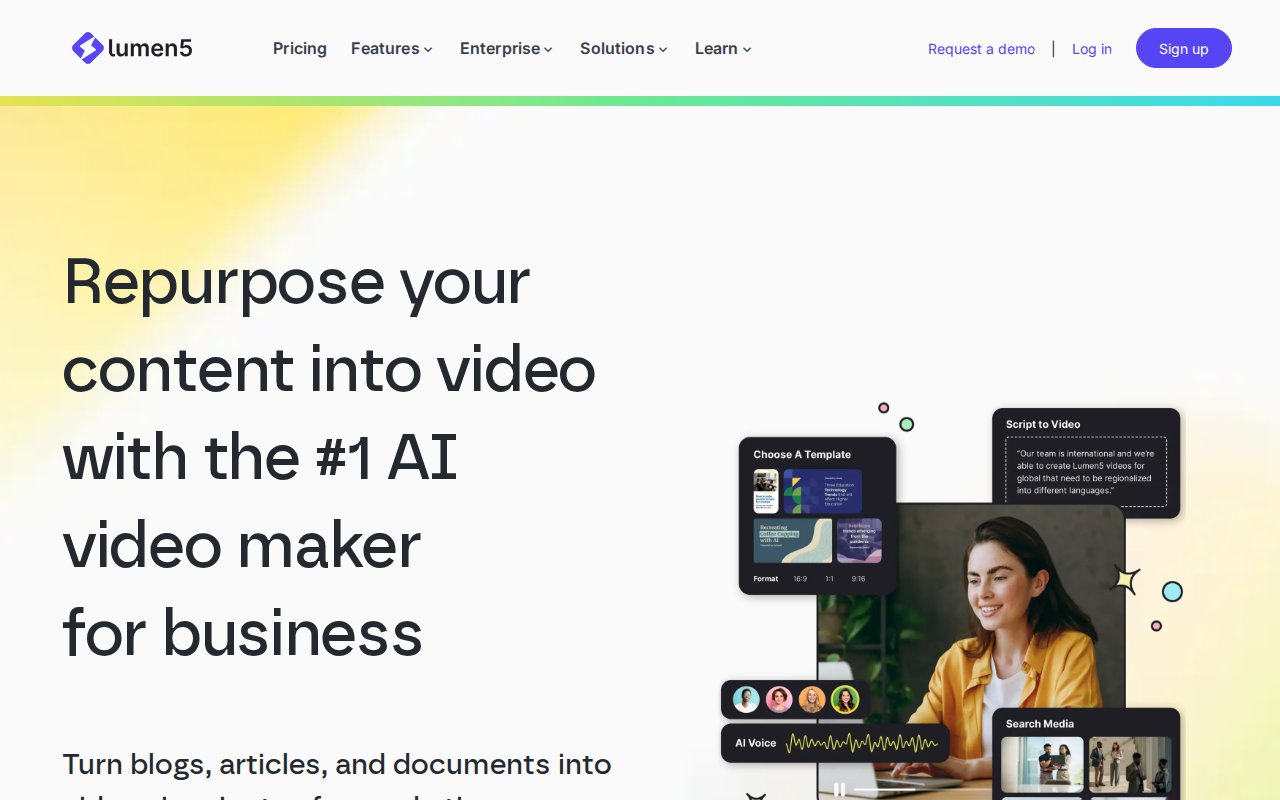
The AI auto-generates storyboards from your text, matches scenes with stock footage, and produces videos optimized for social platforms. The drag-and-drop interface is extremely beginner-friendly — even easier than Content Samurai was.
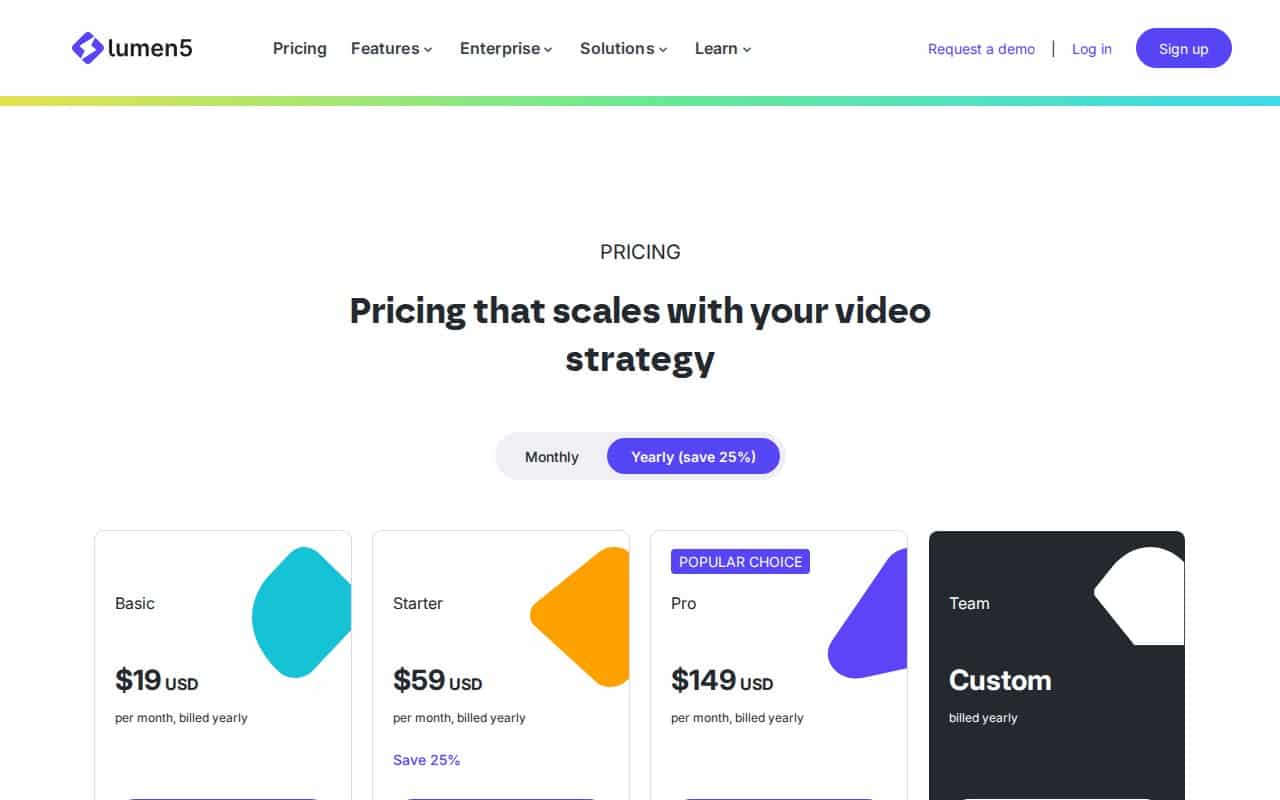
Pricing: Free plan available, paid from $19-29/mo.
Pros:
- Very easy for non-editors — even simpler than Vidnami
- Excellent blog-to-video pipeline
- Social-optimized templates for all platforms
- Free plan available
Cons:
- AI clip matching can be hit-or-miss
- Weaker for long-form YouTube videos
- Limited customization on free tier
👉 Want to try Lumen5? Start with their free plan and see if it fits your workflow.
Try Lumen5 Free →#4 Wave.video — Best All-in-One Video Marketing Suite
Wave.video goes beyond what Content Samurai offered by combining a video editor with live streaming and video hosting in one platform. With access to 200M+ stock assets, it gives you more raw material to work with than Vidnami ever had.
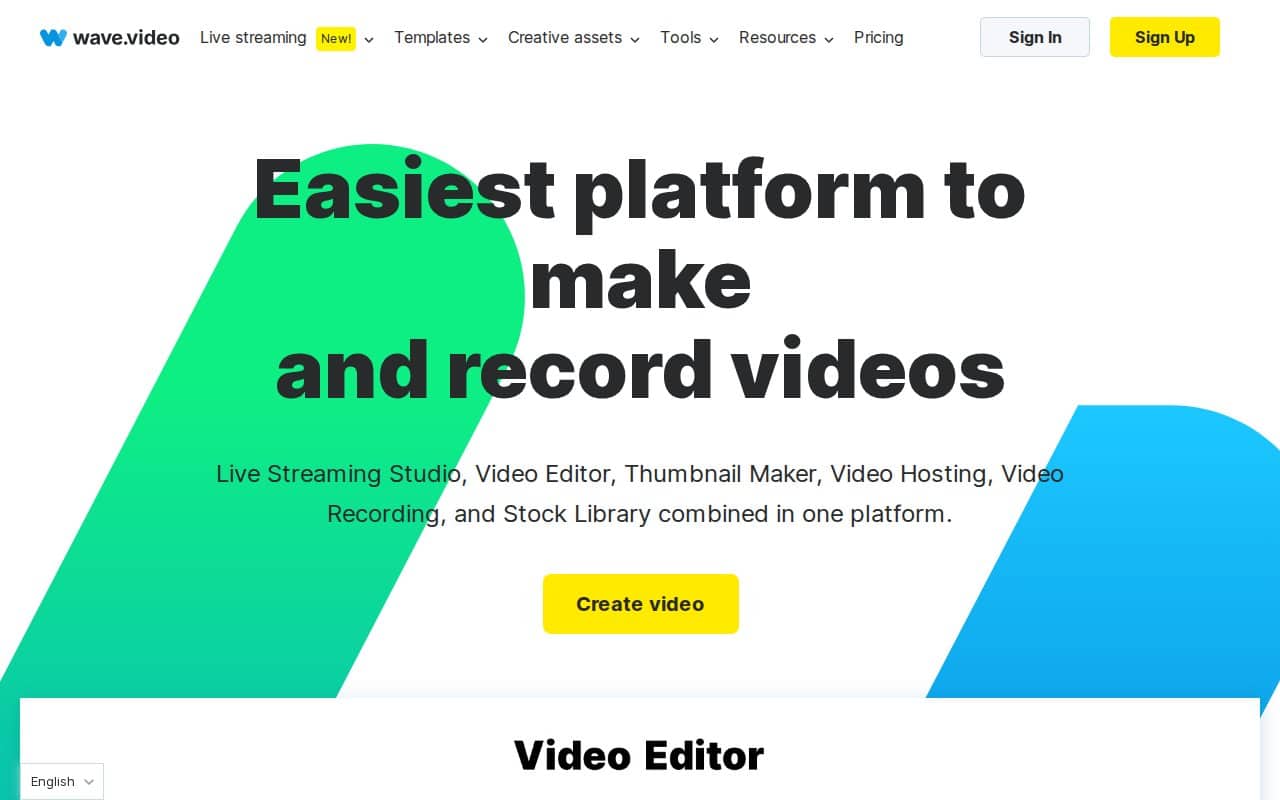
If you need more than just text-to-video — say you want to host your videos, create landing pages, or do live streams — Wave.video is excellent value. The trade-off is a more complex UI that takes longer to learn compared to Content Samurai’s streamlined approach.
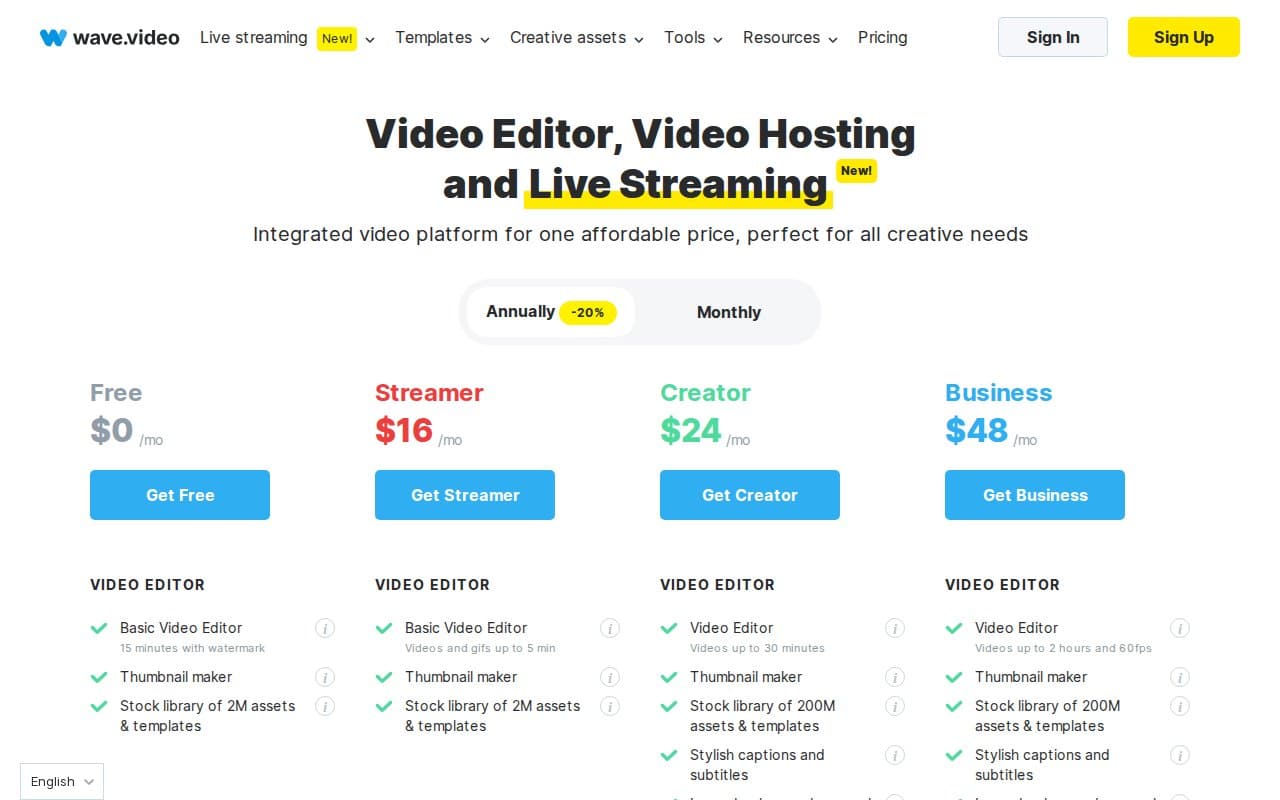
Pricing: Free plan with branding, paid from $20-24/mo.
Pros:
- Broader toolset — editing + hosting + live streaming in one
- Massive stock library (200M+ assets)
- Video hosting included (no need for separate service)
- Good value for the price
Cons:
- Steeper learning curve than Content Samurai/Vidnami
- Free plan has watermarks
- Text-to-video not as streamlined as Pictory
👉 Want to try Wave.video? Start with their free plan and see if it fits your workflow.
Try Wave.video Free →#5 VEED.io — Best Browser-Based Editor with AI
VEED.io is a browser-based online video editor that’s packed with AI tools beyond basic text-to-video. You get AI avatars, auto-subtitles, voice cloning, background removal, and a solid text-to-video pipeline. It’s modern, fast, and works entirely in your browser — just like Content Samurai did.
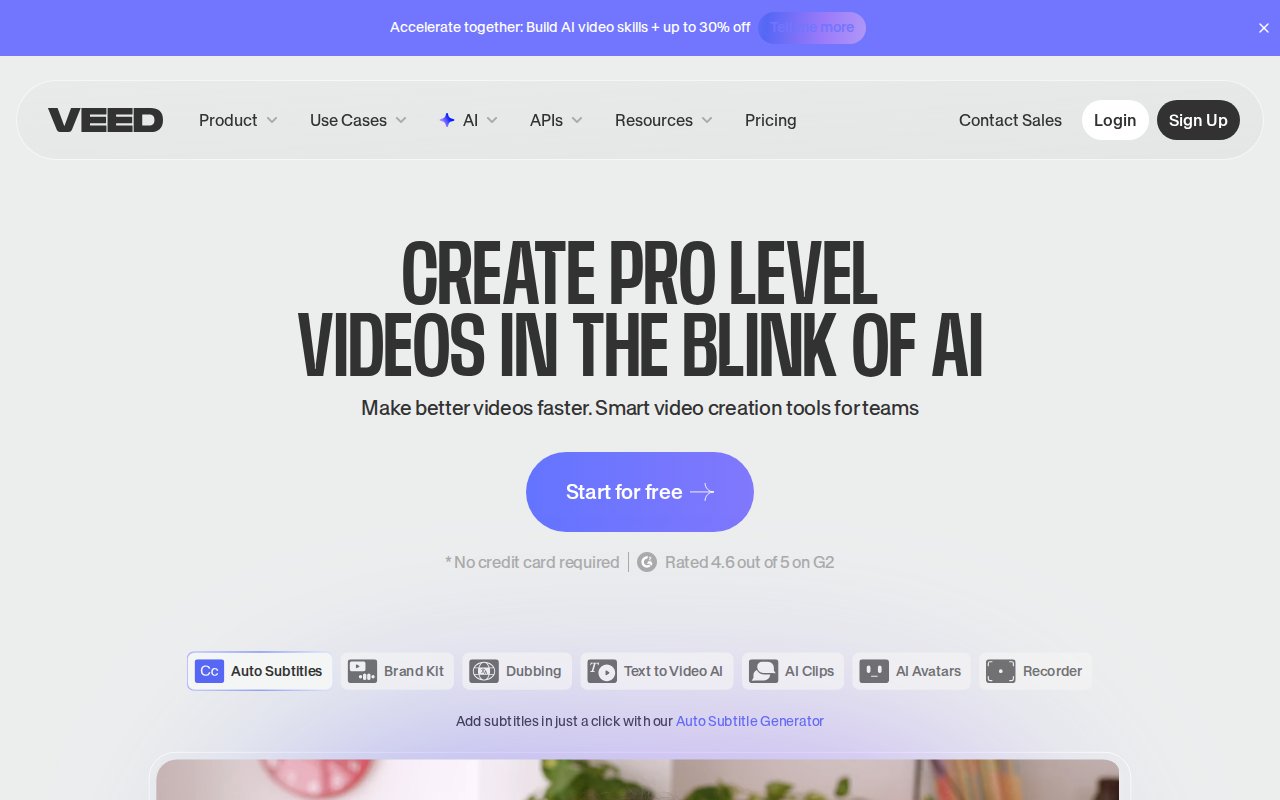
For teams collaborating on video content, VEED.io is particularly strong with its sharing and review features. The entry price is also the lowest on this list.
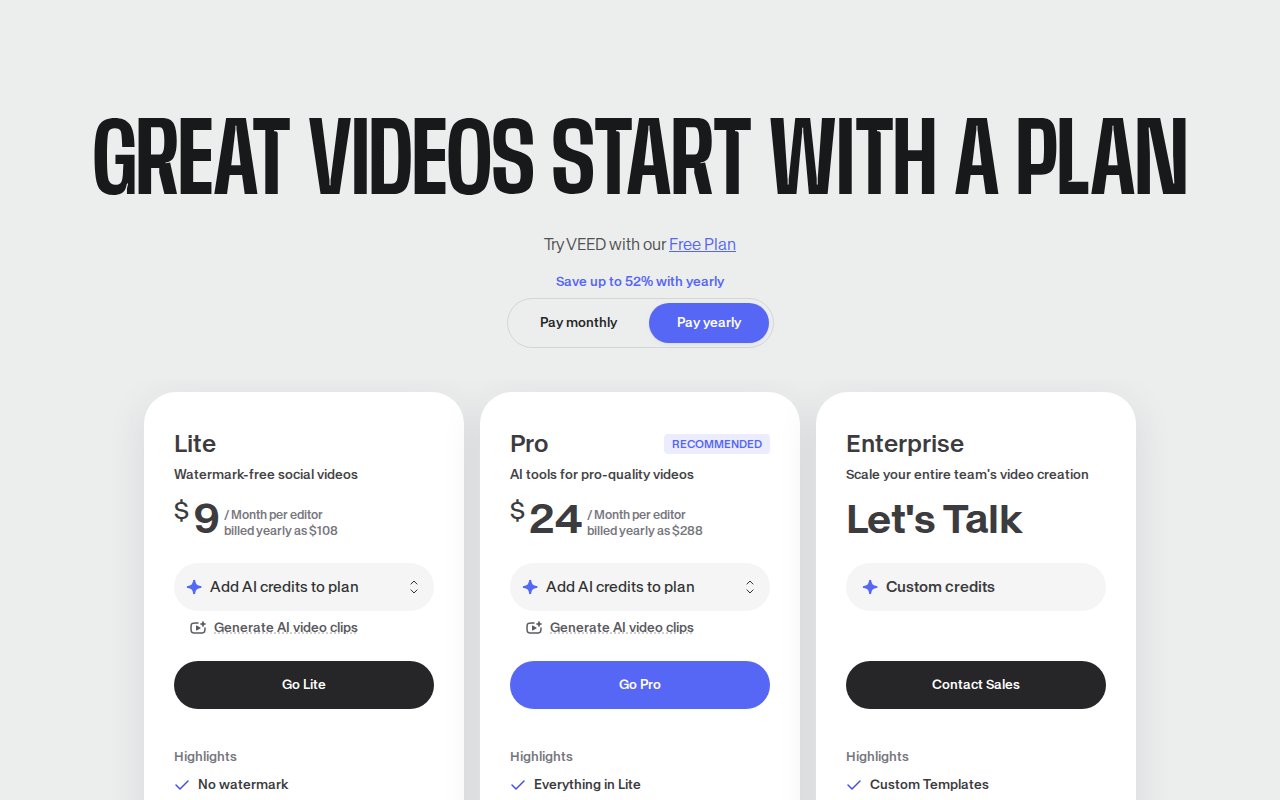
Pricing: Free plan available, paid from $9-12/mo.
Pros:
- Most affordable entry point on this list
- Strong AI tools suite (avatars, voice cloning, background removal)
- Great for team collaboration
- Clean, modern browser-based interface
Cons:
- Best AI features locked behind higher tiers
- Performance can lag on longer projects
- Not as focused on text-to-video as Content Samurai was
👉 Want to try VEED.io? Start with their free plan and see if it fits your workflow.
Try VEED.io Free →#6 Synthesia — Best for Avatar/Training Videos
Synthesia takes a different approach entirely — instead of stock footage, it generates AI avatar videos. If you’re creating training content, onboarding videos, or educational courses, Synthesia’s AI presenters are incredibly realistic and available in 160+ languages.
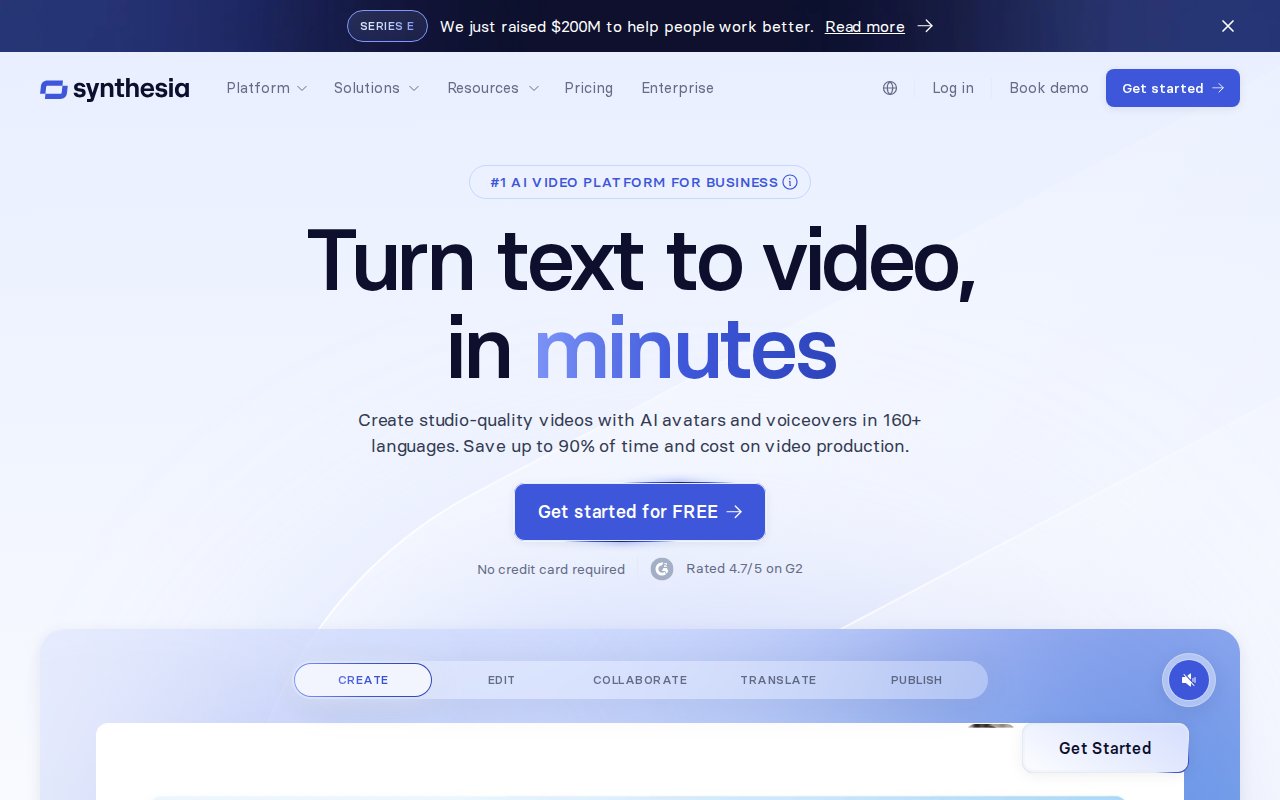
This isn’t a direct Content Samurai replacement for faceless YouTube videos, but it fills a niche that Vidnami never served well: professional talking-head videos without actually filming yourself.
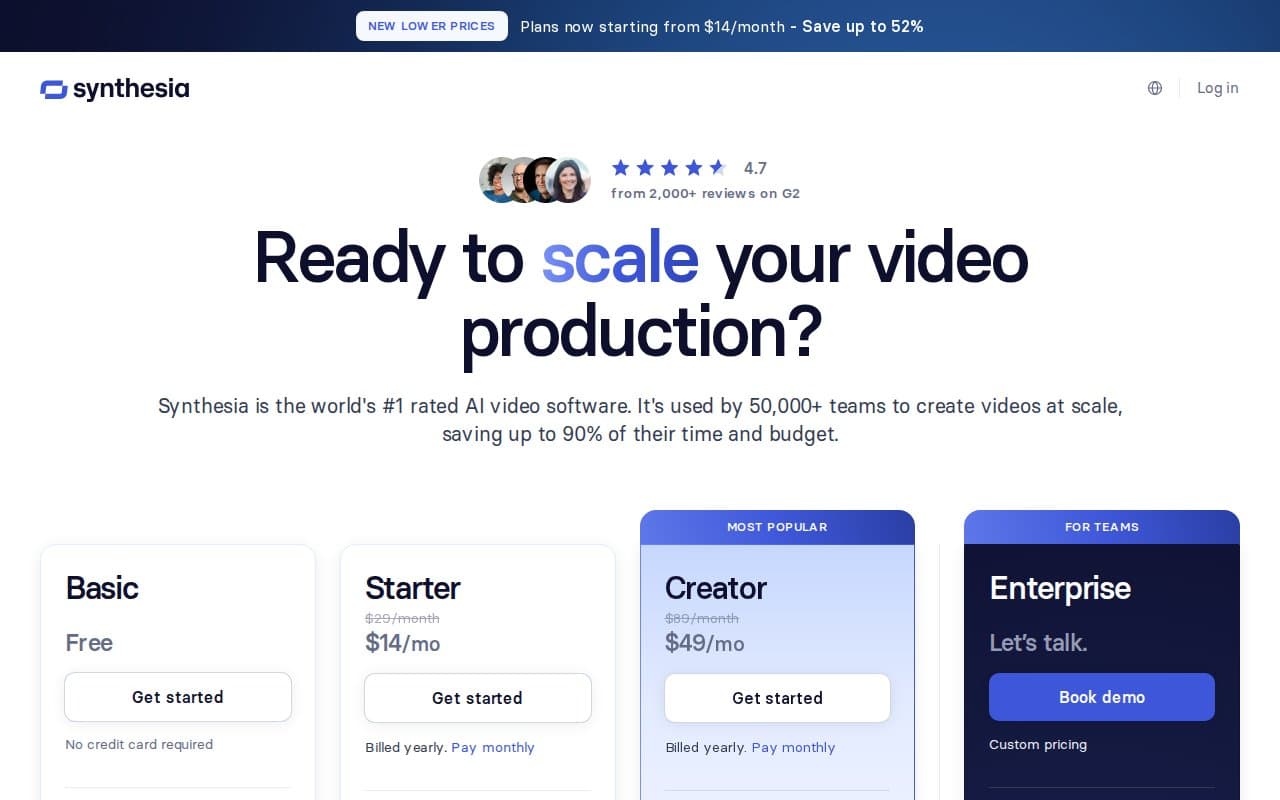
Pricing: Starter $18/mo annual, Creator $64/mo annual.
Pros:
- Industry-leading AI avatar quality
- 160+ languages supported
- Great templates for corporate training and onboarding
- No camera or filming required
Cons:
- Video-minute limits make it expensive at scale
- Avatars can sometimes feel uncanny
- Not ideal for faceless YouTube content (different use case)
👉 Want to try Synthesia? Start with their free plan and see if it fits your workflow.
Try Synthesia Free →#7 Animoto — Best for Simple Marketing Videos
Animoto is the simplest tool on this list. It’s template-driven with a straightforward drag-and-drop interface — you pick a template, drop in your text and media, and get a polished marketing video. There’s minimal AI automation compared to the other tools here, but that simplicity is exactly what some former Content Samurai users want.
If your video needs are basic — social media promos, product showcases, simple explainers — Animoto gets the job done without a learning curve. It’s the “just make me a quick video” option.
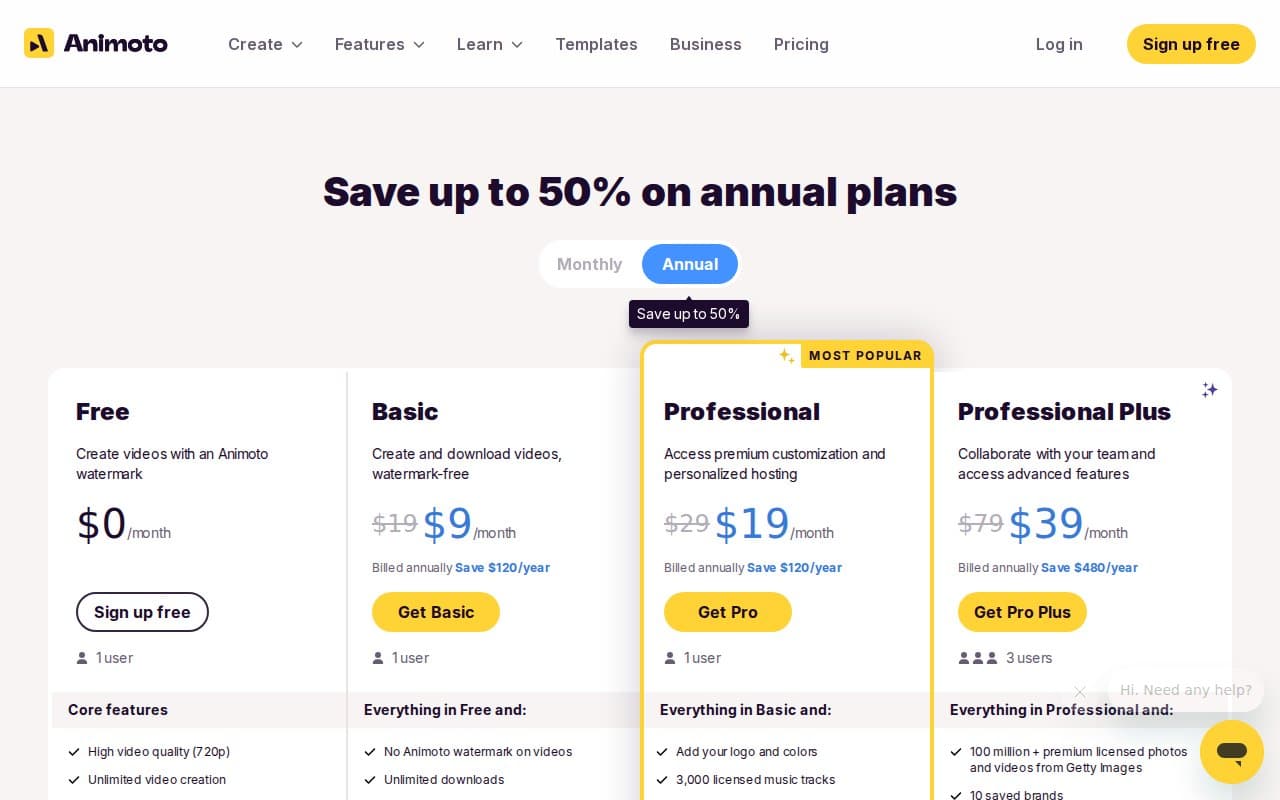
Pricing: Free plan available, paid from $8-15/mo.
Pros:
- Extremely simple to use — zero learning curve
- Great templates for marketing and social media
- Affordable pricing
Cons:
- Very limited AI features compared to other alternatives
- Less control over timing and video details
- Not suitable for long-form YouTube content
👉 Want to try Animoto? Start with their free plan and see if it fits your workflow.
Try Animoto Free →Content Samurai vs Pictory — Feature Comparison
Since Pictory is my top recommendation as the best Content Samurai replacement, here’s a detailed side-by-side comparison of how Pictory handles every feature that Content Samurai users relied on:
| Feature | Content Samurai (Vidnami) | Pictory AI (2026) |
|---|---|---|
| Script-to-Video | ✅ Paste script, auto-split scenes | ✅ Same workflow + smarter AI scene matching |
| Blog-to-Video | ❌ Manual copy-paste only | ✅ Paste URL, auto-converts entire article |
| Stock Footage Library | ~1M clips | Millions of clips + stock images |
| Text-to-Speech | Basic robotic TTS | Realistic AI voiceover, 20+ languages |
| Auto-Captions | Basic captions | AI-generated with custom styling options |
| Templates | Limited templates | Hundreds of templates for all platforms |
| Brand Kit | ❌ Not available | ✅ Custom logos, colors, fonts, watermarks |
| Video Summarization | ❌ Not available | ✅ Turn long videos into short highlights |
| Platform | Browser-based | Browser-based (no install needed) |
| Pricing | ~$47/mo (was) | From $12.50/mo with SAVE50 (annual) |
As you can see, Pictory doesn’t just match Content Samurai — it exceeds it in nearly every category. The blog-to-video feature, brand kit, and video summarization are capabilities that Vidnami never had. And at $12.50/mo with the SAVE50 discount, it’s actually cheaper than Content Samurai’s original pricing of ~$47/month.
🎬 Get Pictory AI — 50% OFF Annual Plans
The #1 Content Samurai replacement. Create stunning videos from text in minutes. Use code SAVE50 at checkout.
Try Pictory Free →How to Switch from Content Samurai to Pictory (Step by Step)
If you’re a former Content Samurai or Vidnami user, here’s exactly how to replicate your old workflow in Pictory. The migration is straightforward — most users are up and running within 15 minutes.
Step 1: Sign Up for the Free Trial
Head to Pictory’s free trial page and create your account. No credit card required. You’ll get access to the full platform so you can test the workflow before committing.
Step 2: Paste Your Script or Blog URL
Just like Content Samurai, you start by selecting “Script to Video” or “Article to Video.” Paste your script text or blog post URL. Pictory’s AI will automatically analyze the content and break it into logical scenes — exactly like Vidnami used to do.
Step 3: Customize Scenes and Branding
Pictory auto-matches each scene with relevant stock footage from its massive library. Review the selections, swap any clips that don’t fit, and apply your brand kit (logo, colors, fonts). This step mirrors Content Samurai’s scene editor but with a much larger stock footage library and better AI matching.
Step 4: Add Voiceover and Captions
Select an AI voiceover from Pictory’s text-to-speech engine — the voices are dramatically better than what Content Samurai offered. Enable auto-captions and customize the style (font, size, position, colors). For faceless YouTube videos, this combination of AI voiceover and auto-captions is exactly what you need.
Step 5: Export and Publish
Preview your video, make final adjustments, and export in your preferred resolution. Pictory supports direct publishing to YouTube and other platforms. The entire process from script to finished video takes about 10-20 minutes — comparable to Content Samurai’s speed.
Pictory Pricing with SAVE50 Discount
Here’s what Pictory costs in 2026, and how much you save with the SAVE50 coupon code on annual billing:
| Plan | Regular Price (Annual) | With SAVE50 (Annual) | You Save |
|---|---|---|---|
| Starter | $25/mo | ~$12.50/mo | $150/year |
| Professional | $35/mo | ~$17.50/mo | $210/year |
| Teams | $119/mo | ~$59.50/mo | $714/year |
The Starter plan at ~$12.50/mo is perfect for individual creators who were using Content Samurai for faceless YouTube videos or social media content. The Professional plan adds more video minutes and premium features, while Teams is designed for agencies and businesses producing video at scale.
To apply the discount: visit Pictory, select any annual plan, and enter coupon code SAVE50 at checkout. The 50% discount applies immediately.
🎬 Get Pictory AI — 50% OFF Annual Plans
The #1 Content Samurai replacement. Create stunning videos from text in minutes. Use code SAVE50 at checkout.
Try Pictory Free →Frequently Asked Questions
What happened to Content Samurai?
Content Samurai was launched in 2015 by Noble Samurai as an AI-powered text-to-video tool. It rebranded to Vidnami in 2020 with upgraded features. In early 2021, GoDaddy acquired Vidnami and permanently shut it down in August 2021. GoDaddy integrated some basic features into GoDaddy Studio, but it’s not a comparable replacement for the original Content Samurai workflow.
Is Vidnami still available?
No. Vidnami (formerly Content Samurai) was permanently shut down in August 2021 after GoDaddy acquired it. The standalone product no longer exists. GoDaddy Studio replaced it but completely lacks Vidnami’s core text-to-video automation, stock footage matching, and AI voiceover features.
What is the best Content Samurai alternative?
The best Content Samurai alternative in 2026 is Pictory AI. It replicates Vidnami’s core script-to-video workflow while adding modern features like blog-to-video conversion, realistic AI voiceover, auto-captions, and a brand kit. It’s also more affordable than Content Samurai was — starting at ~$12.50/mo with the SAVE50 discount.
Is Pictory better than Content Samurai was?
Yes. Pictory exceeds what Content Samurai offered in several ways: a much larger stock footage library (millions of clips), significantly better AI voiceover quality, blog-to-video URL conversion, customizable auto-captions, brand kit support, and video summarization. The core script-to-video workflow is equally intuitive but more powerful.
Does Pictory offer a free trial?
Yes. Pictory offers a free trial that gives you access to the full platform — no credit card required. You can test the script-to-video workflow, AI voiceover, auto-captions, and stock footage library before choosing a paid plan.
What is the Pictory coupon code for 2026?
The current Pictory coupon code is SAVE50. It gives you 50% off any annual plan — bringing the Starter plan down to ~$12.50/mo, Professional to ~$17.50/mo, and Teams to ~$59.50/mo. Apply it at checkout when selecting annual billing.
Can I use Pictory to create YouTube videos?
Absolutely. Pictory is excellent for creating YouTube videos, especially faceless videos. You paste your script or blog post, the AI matches stock footage to each scene, adds voiceover and captions, and exports in YouTube-ready resolution. Many former Content Samurai users now use Pictory for their YouTube faceless video channels.
How much does Pictory cost after the SAVE50 discount?
With the SAVE50 coupon code on annual billing: Starter plan costs ~$12.50/mo (regularly $25/mo), Professional costs ~$17.50/mo (regularly $35/mo), and Teams costs ~$59.50/mo (regularly $119/mo). That’s 50% off the standard annual pricing.
Disclosure: Some links in this article are affiliate links. If you purchase through these links, I may earn a commission at no extra cost to you. I only recommend tools I’ve personally tested and believe provide genuine value as Content Samurai alternatives. All opinions are my own.